
Overview
Anticipating maintenance workload
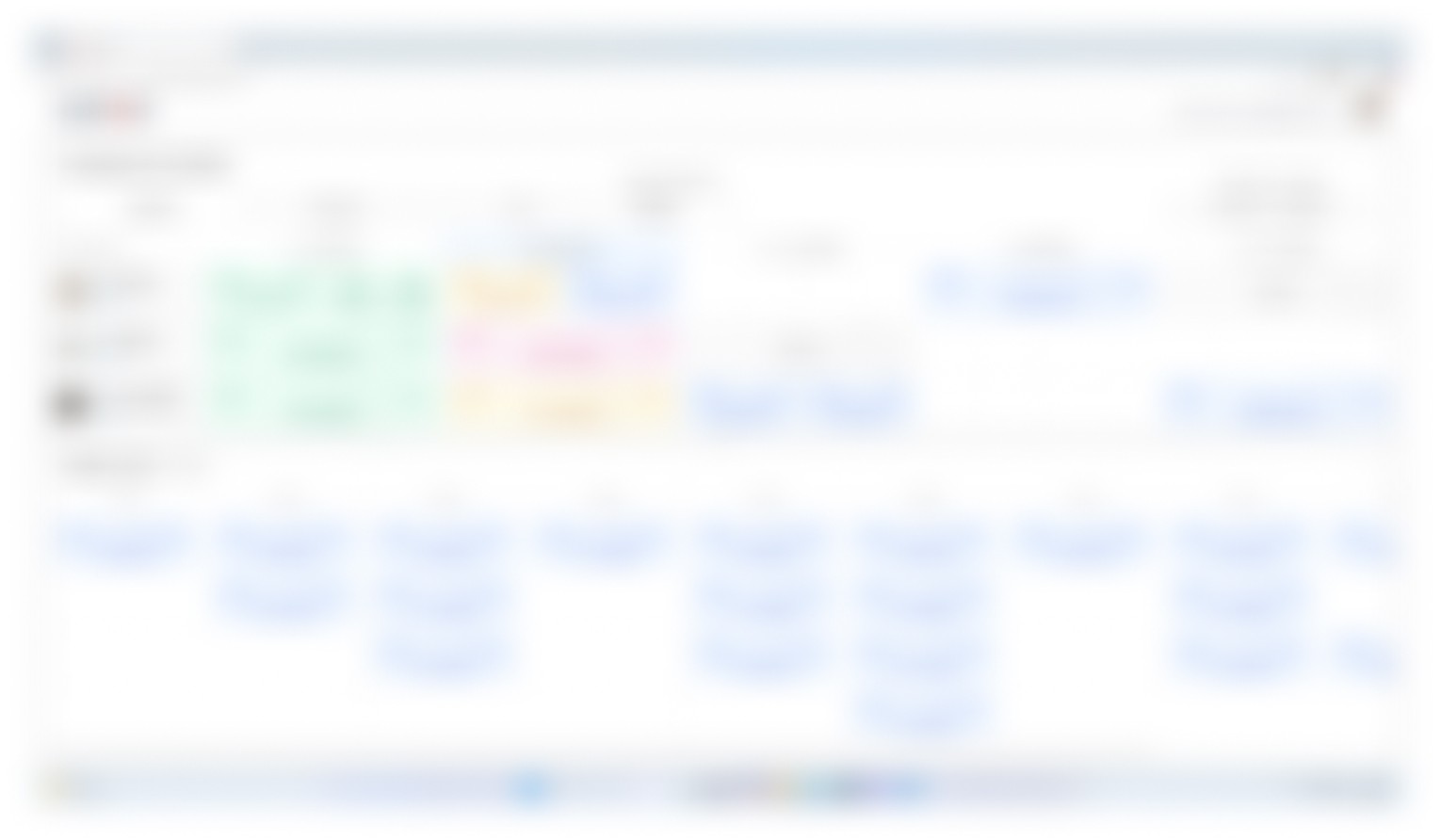
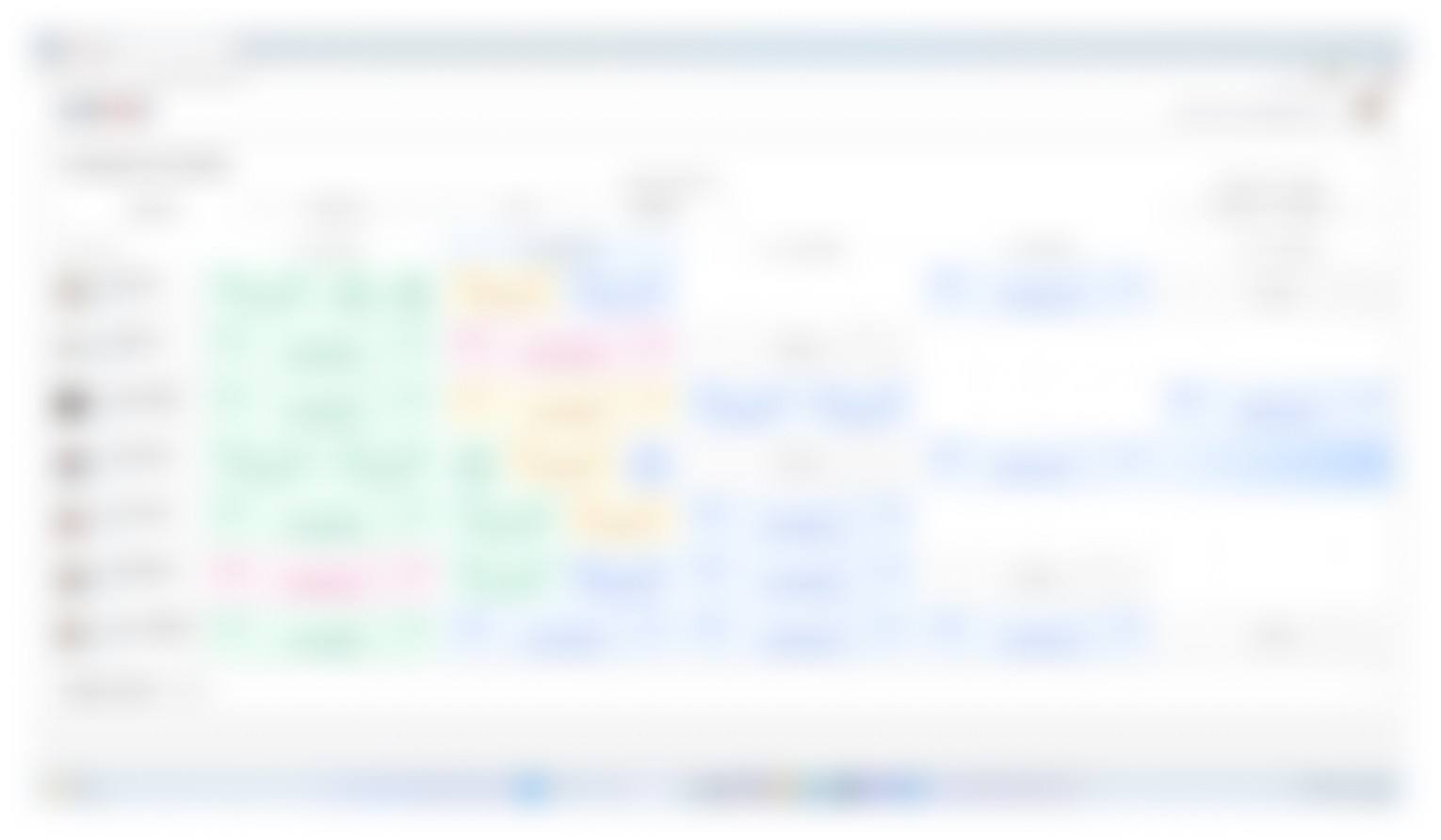
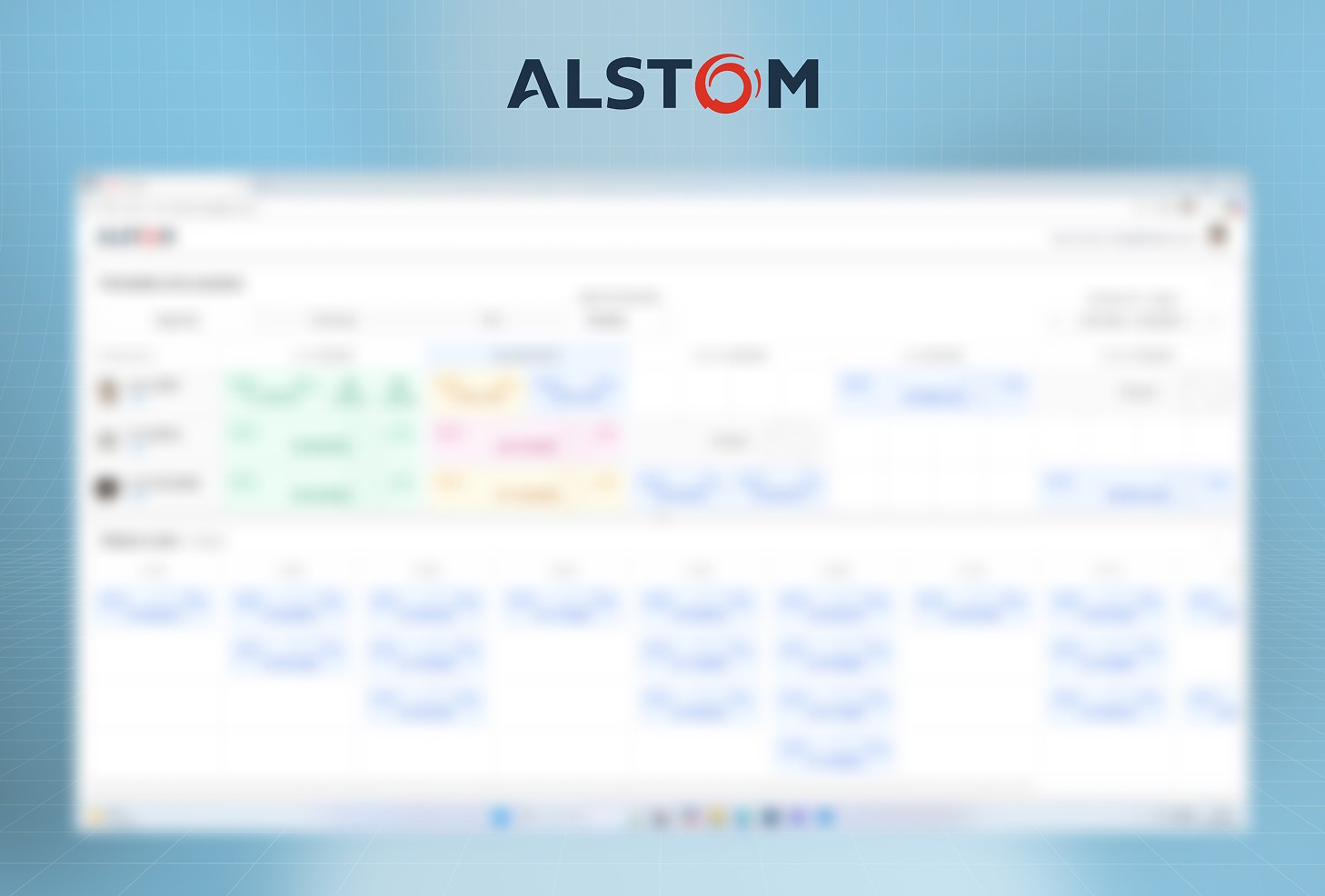
This project focused on designing a maintenance management platform for train parts returning from client operations. The objective was to replace fragmented Excel-based tracking workflows with a centralized system capable of improving workload visibility, task distribution, and workforce planning.
The platform was designed to help managers anticipate maintenance activity over a three-week period, monitor team capacity, assign repair tasks, and balance workforce allocation according to operational demand.
The project was developed in close collaboration with the same senior developer from the Airbus project, allowing for a highly agile and fast-paced workflow combining UX thinking, technical feasibility, and operational logic.
Together, we successfully delivered a complete POC in less than one week.
Focus : Enterprise Software · Workforce Planning · Maintenance Tracking · Operational UX
Context & Problem
Maintenance tracking was primarily managed through multiple Excel files, making operational visibility and workforce planning increasingly difficult as activity scaled.
Managers needed a clearer system capable of :
Tracking maintenance status
Anticipating workload over 3 weeks
Assigning tasks across multiple teams
Monitoring staff availability
Balancing workforce vs workload
The platform also needed to provide clear maintenance states such as :
To Do
In Progress
Blocked
Completed
One of the key challenges was helping managers quickly identify periods of understaffing or overcapacity in order to better distribute resources during operational peaks.
Research & Iterations
To understand the operational needs quickly, we relied heavily on :
Meeting reports
Project documentation
Existing Excel workflows
Maintenance tracking files
These materials helped us reconstruct the current operational process and identify the most critical friction points around planning, visibility, and workforce allocation.
The project evolved through a highly collaborative workflow between design and development :
Rapid iteration cycles
Continuous technical feedback
Workflow simplification
Fast POC validation
This close collaboration allowed us to move extremely quickly while maintaining strong consistency between UX, operational constraints, and technical feasibility.
In less than one week, we successfully delivered a complete and functional POC.
Outcome & Learnings
This project reinforced the importance of designing tools capable of transforming operational complexity into actionable visibility.
One of the most valuable aspects of the experience was the highly agile collaboration between design and development, allowing ideas to evolve rapidly through continuous discussion and iteration.
The project also highlighted how replacing fragmented spreadsheet-based workflows with centralized interfaces can significantly improve:
Planning clarity
Team coordination
Workforce anticipation
Operational decision-making
Delivering a complete POC in under a week demonstrated the efficiency of combining rapid product thinking, collaborative iteration, and strong technical alignment.